
The error code S01-06 indicates a communication breakdown between the TV decoder and the Livebox. Before contacting support or resetting anything, we recommend precisely identifying the problematic network layer: physical connection, local Wi-Fi, or operator line. This distinction radically changes the procedure to follow.
Network diagnosis for error code S01-06: Local Wi-Fi or line fault

The majority of guides treat S01-06 as a generic connection issue. We observe that this error actually covers two distinct situations that require different fixes.
First case: the decoder loses the Wi-Fi connection with the Livebox, but the Livebox itself is functioning normally. Your other devices (phone, laptop) are browsing the Internet without any issues. The S01-06 appears because the Wi-Fi signal between the Livebox and the decoder is insufficient or unstable.
Second case: the Livebox itself is experiencing micro-cuts on the ADSL or fiber line. Your devices connected via Wi-Fi or Ethernet are also experiencing slowdowns or intermittent disconnections. The S01-06 is then just a symptom of an upstream problem.
To determine the cause, the test is simple: at the moment the S01-06 appears, run a speed test from a device connected via Ethernet directly to the Livebox. If the speed is normal and stable, the problem is local. If the speed drops or the connection cuts out, the operator line is the issue.
Some recent guides recommend using the Orange diagnostic app to check the line quality independently of the TV. Invisible micro-cuts during regular web usage can cause the S01-06 to reappear despite restarting the decoder.
To resolve the error code S01-06 Orange, it is essential to start with this diagnosis before any hardware manipulation.
Decoder-Livebox connection: Ethernet cable, powerline adapter or TV Extender
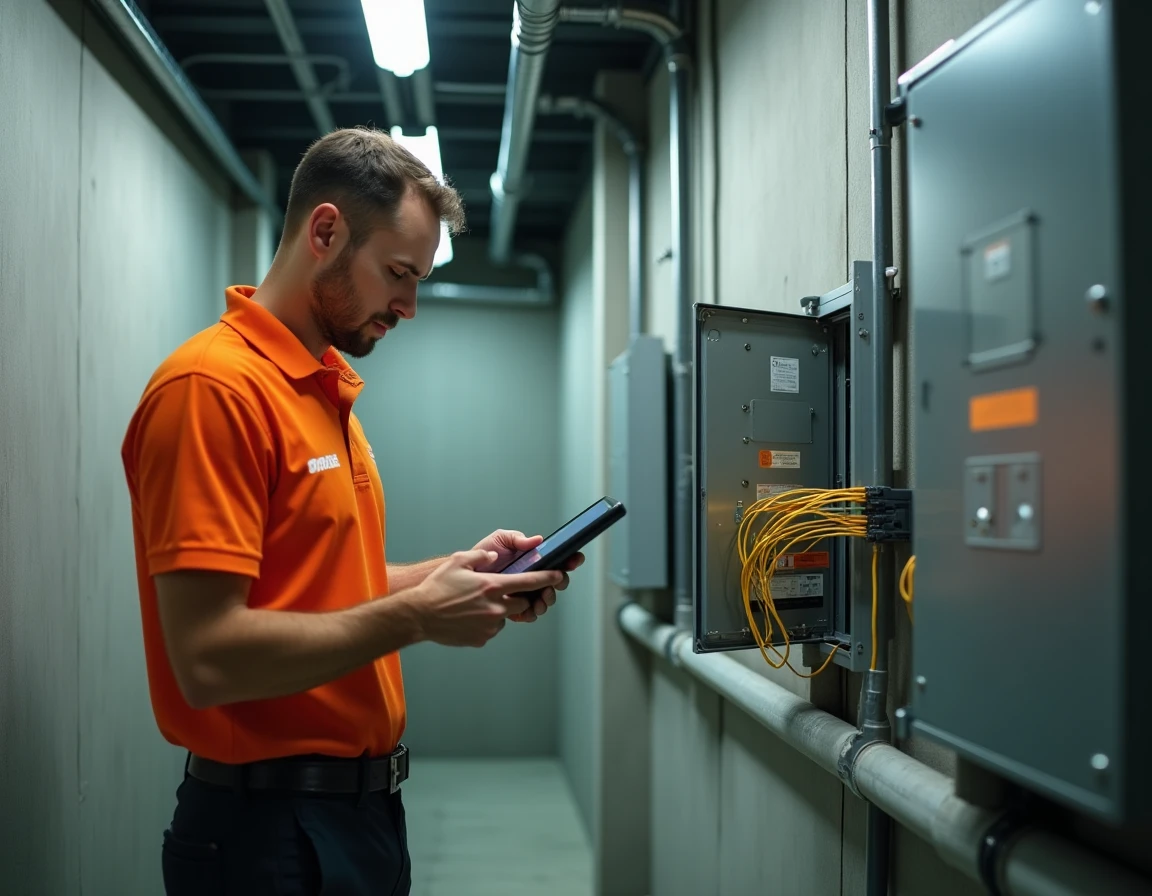
When the diagnosis points to a local Wi-Fi issue, the wireless connection between the decoder and the Livebox is the primary suspect. The TV stream requires a stable and continuous bandwidth, much higher than what web browsing demands.
A Wi-Fi signal that seems adequate for a smartphone may not be sufficient for a TV decoder. Fluctuations of a few milliseconds, imperceptible on a browser, are enough to disrupt the video stream and trigger the S01-06.
We recommend testing in this order:
- Direct Ethernet connection between the decoder and the Livebox using a Cat.5e cable or higher. This is the reference test: if the S01-06 disappears, the Wi-Fi is the issue.
- Using a powerline adapter kit if the Ethernet cable cannot reach the decoder. Ensure that both powerline adapters are plugged directly into a wall outlet, not into a power strip.
- Deploying the Orange TV Extender or a dedicated Wi-Fi Extender box. Technical feedback published in 2024 confirms that this solution significantly reduces the reappearance of the S01-06 in the medium term, even in configurations where Wi-Fi seemed sufficient.
If the S01-06 persists with a direct Ethernet connection, the problem does not stem from the wireless link. Proceed to check the line.
Preventive maintenance for Livebox and Orange decoder against S01 errors
The official support rarely mentions maintenance practices that prevent the recurrence of S01-01 to S01-07 codes. We systematically apply them in a technical environment.
Scheduled restarting of the Livebox and the decoder remains the most effective measure. The correct procedure requires a specific order: first turn off the decoder, then the Livebox, wait two minutes, turn the Livebox back on and wait for it to fully synchronize (stable indicators), then turn the decoder back on.
Beyond the occasional restart, three preventive actions reduce the frequency of errors:
- Periodic cleaning of the Ethernet and HDMI ports on the decoder and the Livebox. Dust accumulation in the connectors creates intermittent false contacts, a source of random S01-06 errors.
- Quarterly checking of firmware updates for the decoder via the System menu. An outdated firmware can generate protocol incompatibilities with the Livebox after an operator-side update.
- Checking the condition of the Ethernet cable or powerline kit. A cable bent at a right angle, a powerline adapter on a surge protector power strip, or a poorly crimped RJ45 connector can cause cuts that the decoder interprets as a loss of connection.
When S01-06 indicates an Orange line problem
If the speed test via Ethernet reveals anomalies, the S01-06 code masks a fault on the ADSL or fiber line. In this case, no local manipulation will resolve the problem permanently.
Micro-cuts on the line are the most underestimated cause of recurring S01-06. They go unnoticed during web browsing because the HTTP protocol automatically manages reconnection. The IPTV TV stream, however, does not tolerate any interruption.
Check the Livebox administration interface (accessible via 192.168.1.1) to view the CRC and FEC error counters on the line. Regularly increasing values confirm a physical line fault.
At this stage, only an intervention from Orange technical support can resolve the issue: remote line testing, sending a technician to check the connection to the NRO (fiber) or the local loop (ADSL). We recommend noting the exact times of the S01-06 occurrence before calling, as this information allows the technician to correlate with the operator-side network logs.
The error code S01-06 is not a unique failure but a warning signal that covers several scenarios. Distinguishing local Wi-Fi, physical link, and line quality before taking any action avoids unnecessary restarts and speeds up the actual resolution of the problem.